Pixel Proofreader Pro
A downloadable tool for Windows
Catch the tiny pixel slips before your players or asset-pack buyers do.
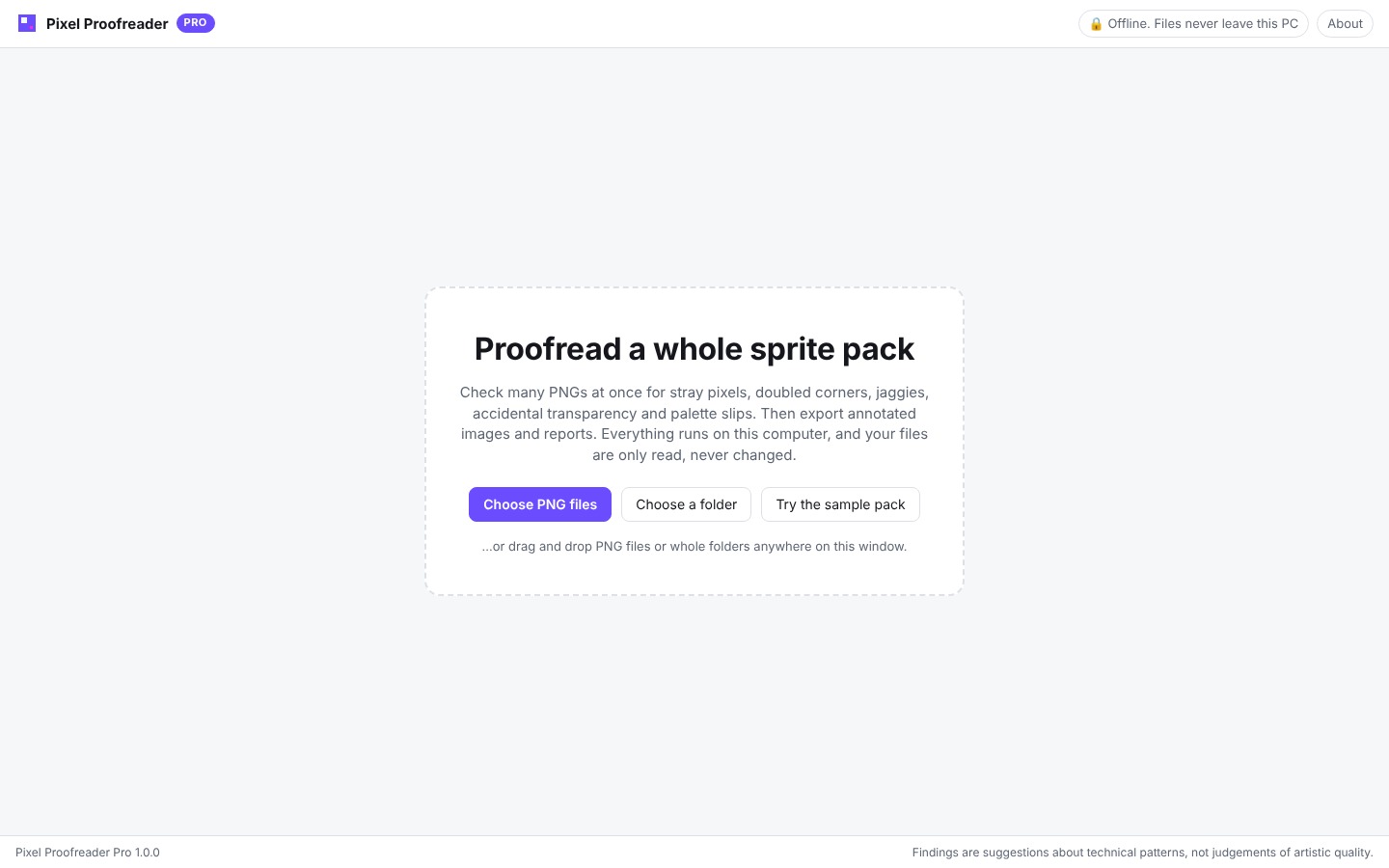
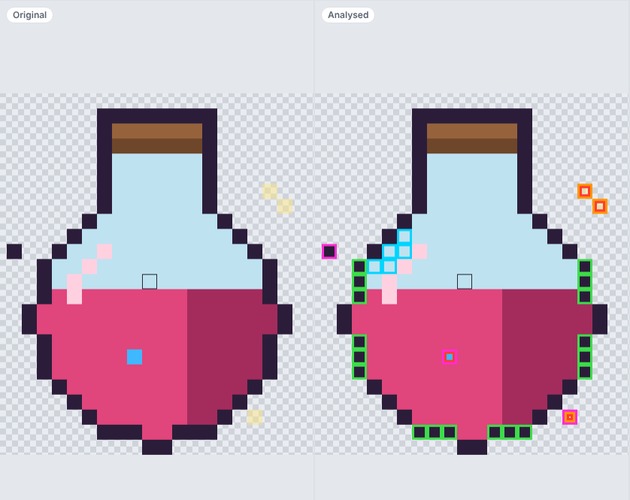
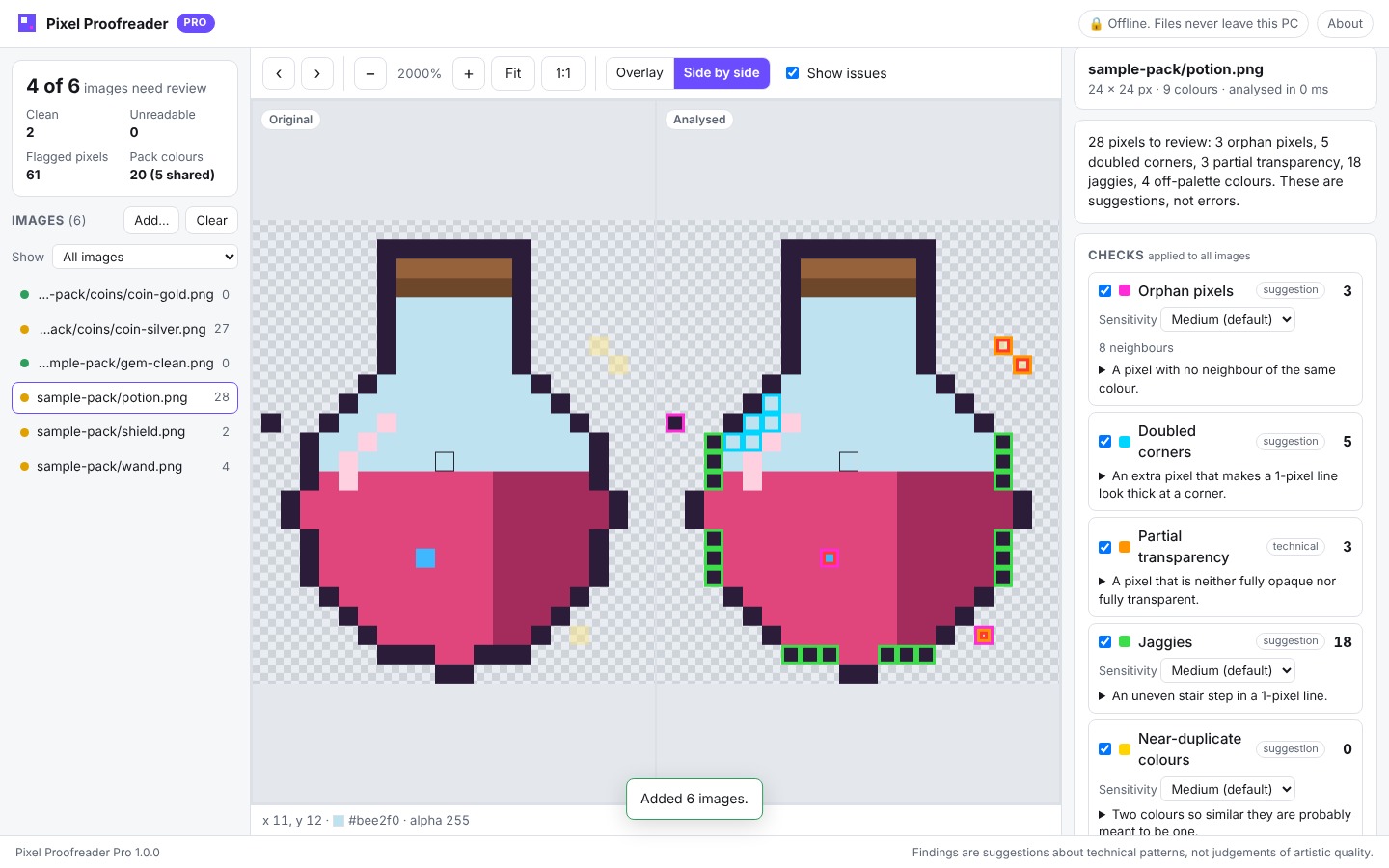
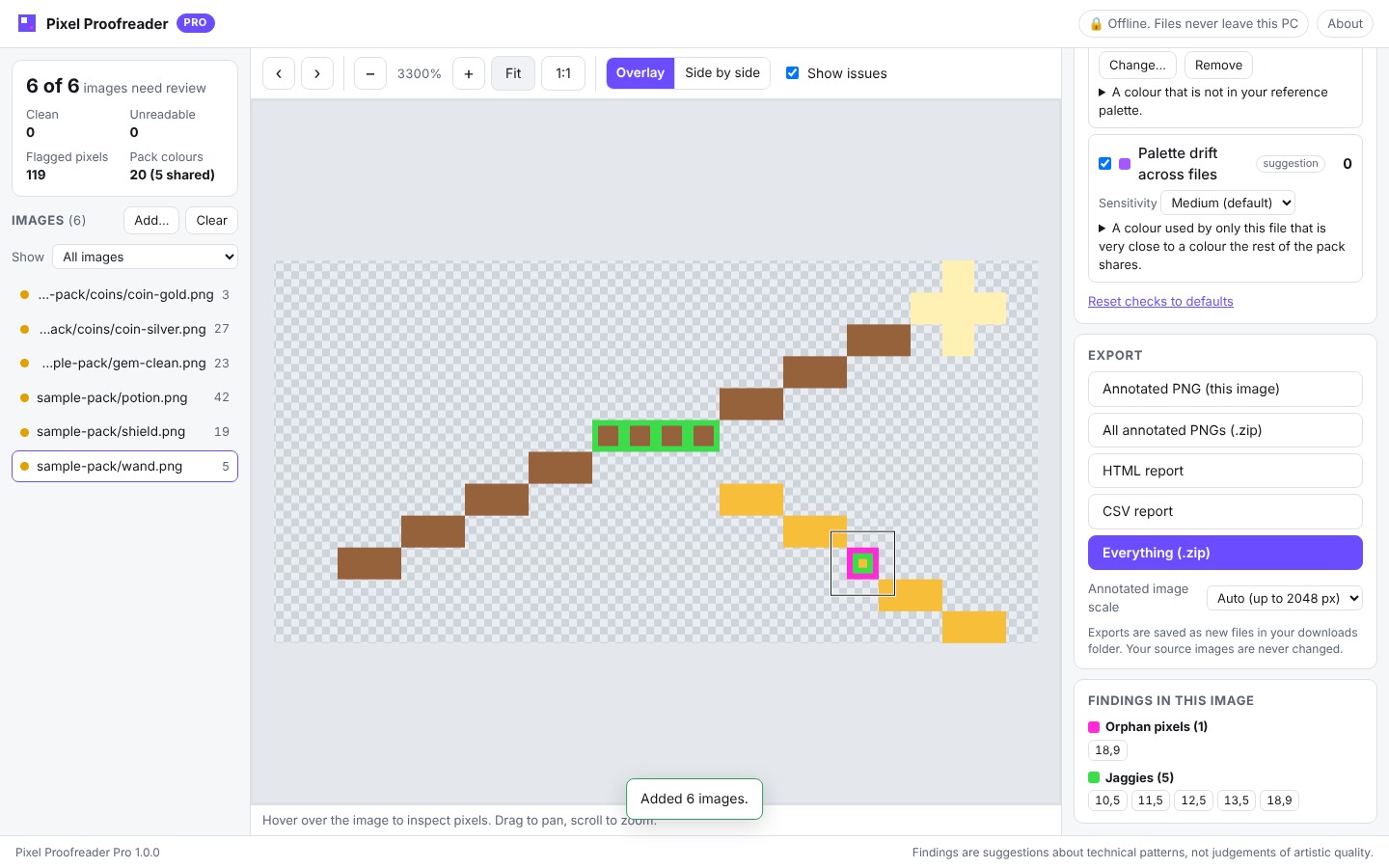
Pixel Proofreader Pro checks your PNG sprites for small technical mistakes that are easy to miss at 1×. It is made for pixel art (sprites, icons and tiles with a limited palette), not for photos or screenshots. Point it at a folder and see within seconds which files need attention. Every finding is marked on a crisp, zoomable view, next to your untouched original.
Seven checks, each one explained in the app
- Orphan pixels: single pixels with no neighbour of the same colour.
- Doubled corners: extra pixels that make 1-pixel lines look thick at a bend.
- Partial transparency: semi-transparent pixels that cause halos in game engines.
- Jaggies: uneven stair steps in lines (such as 2-2-4-2-2) that make them look rough.
- Near-duplicate colours: two colours so close they were probably meant to be one.
- Off-palette colours: anything not in your reference palette (.gpl, .hex, .txt, .pal or a PNG swatch).
- Palette drift across files: a colour used in just one sprite that is almost, but not quite, a colour the rest of your pack shares.
Made for real workflows
- Batch analysis: whole folders including subfolders, or drag and drop. Up to 1000 images per batch.
- Adjustable sensitivity (Low / Medium / High) for each check. Switch off anything you don't need.
- Side-by-side view with synchronised zoom, plus click-to-jump to every finding.
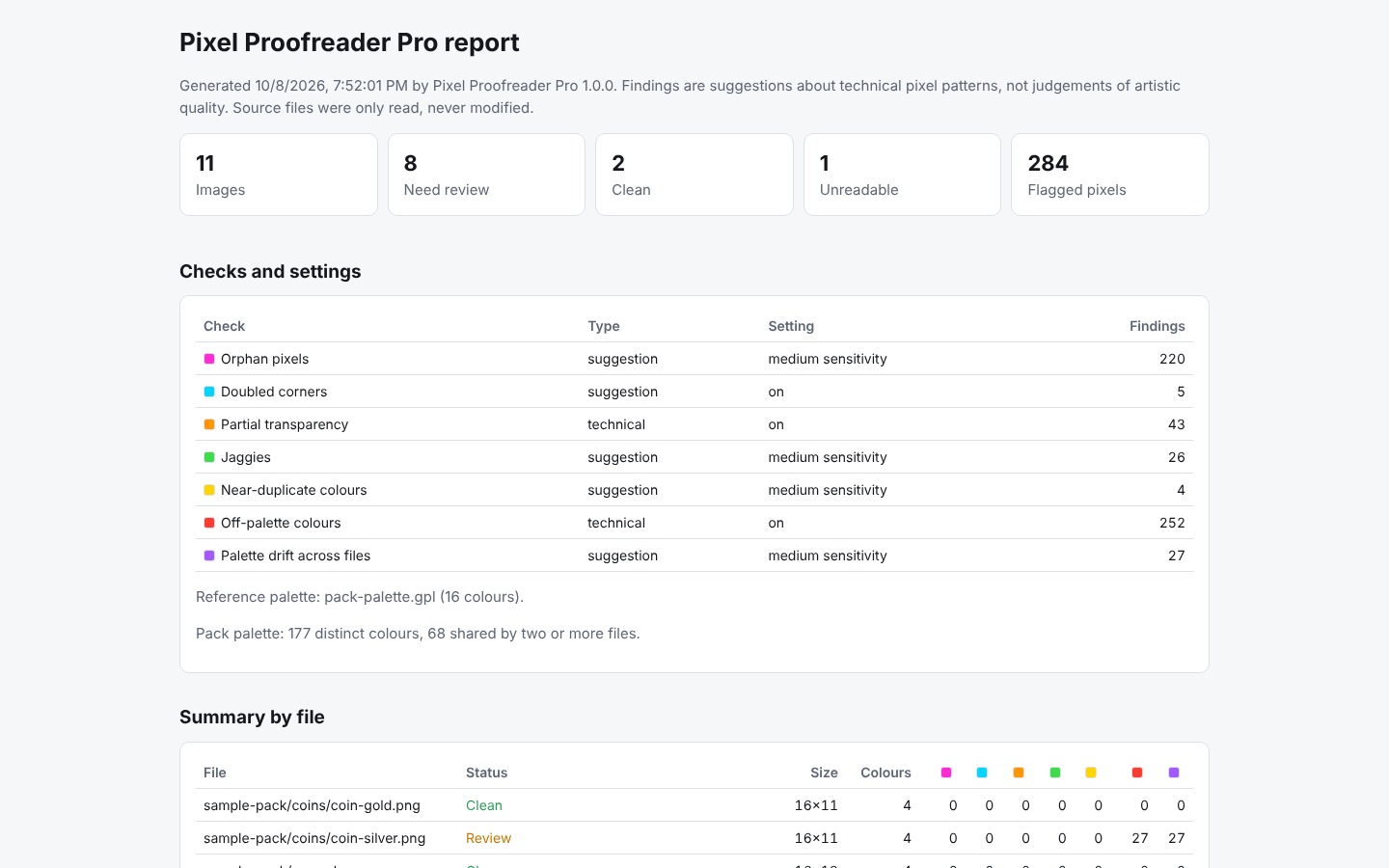
- Exports: annotated PNGs (up to 8×), a self-contained HTML report to share with a client or teammate, and CSV for spreadsheets.
Private and safe by design
- Runs entirely on your PC with no internet connection, account, telemetry or AI services.
- Your files are never changed. Pro only reads your PNGs, and every export is saved as a new file.
How it runs: Pixel Proofreader Pro is an offline app that opens in Microsoft Edge, which comes with Windows 10 and 11. It is not a native .exe and needs no installation. Extract the ZIP and double-click the launcher, which opens the app in its own Edge window, or open the included HTML file directly. Current Chrome or Firefox also work.
Findings are suggestions about technical pixel patterns, not judgements of your art. Break the rules on purpose whenever you like.
One-time purchase. No subscription, no DRM. Updates within version 1.x are free.
System requirements (paste)
- Windows 10 or 11 with Microsoft Edge (preinstalled).
- No installation and no internet connection. The download is about 0.2 MB.
- PNG images up to 4096×4096 pixels.
Purchase
In order to download this tool you must purchase it at or above the minimum price of $2 USD. You will get access to the following files: